Computer Maintenance
Introduction
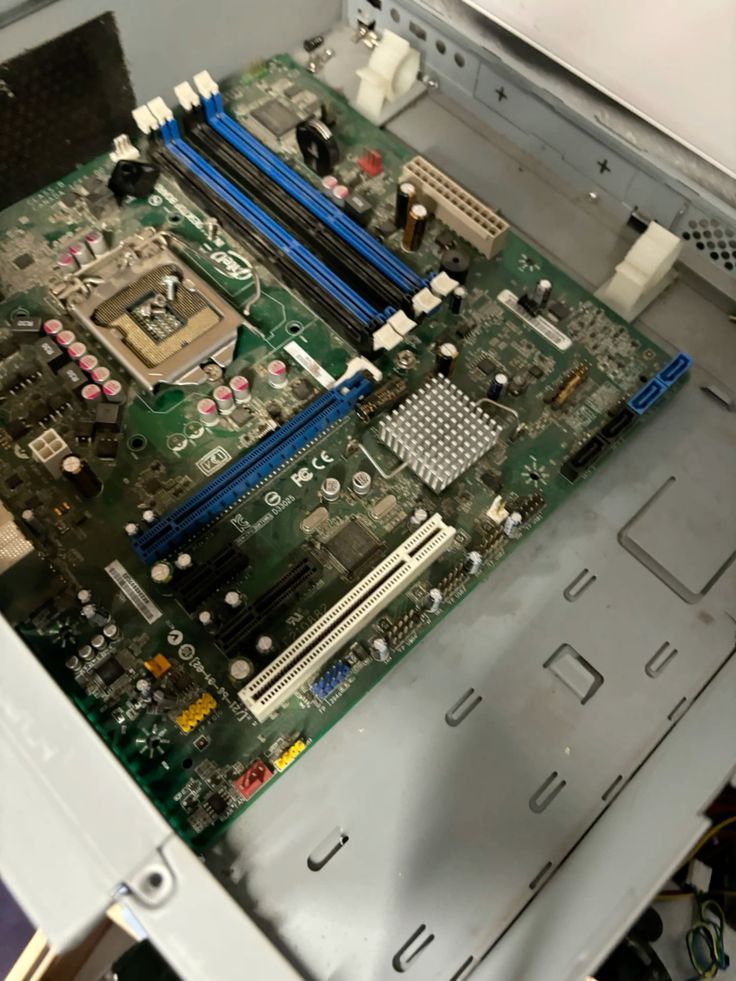
A computer is a device that takes in data, processes it to give an output.
Computer hardware refers to the physical parts of a computer system. There are 4 primary parts of a computer system; input devices, output devices, CPU, memory
Computer maintenance is the practice of keeping computer in good state of repair while computer valeting is the deep cleaning process of physical components of a personal computer.
Computer maintenance steps keep the machine functioning at an optimal performance level on both the software and hardware. There is a toolkit used to manage the hardware. These hardware tools are grouped into 4 categories:
ESD tools
Hand tools
Cleaning tools
Diagnostic tools
Maintenance Tools:
If you want to troubleshoot your computer properly, you need to have the basic tools. For professional use, you may need to purchase more sophisticated tools that will make the job easier and faster. The advanced tools will help you troubleshoot more accurately. The following are basic tools that should be in every troubleshooters tool box.
flat blade & Philips screwdrivers
Tweezers
IC extraction tool
Hemostat
Torx drivers, screws
Multimeter
Contact cleaners
Component Freeze sprays
Foam swabs
Network cable tester/scanner
Comments
Join the discussionNo comments yet. Be the first to comment.